Free
One-press sound
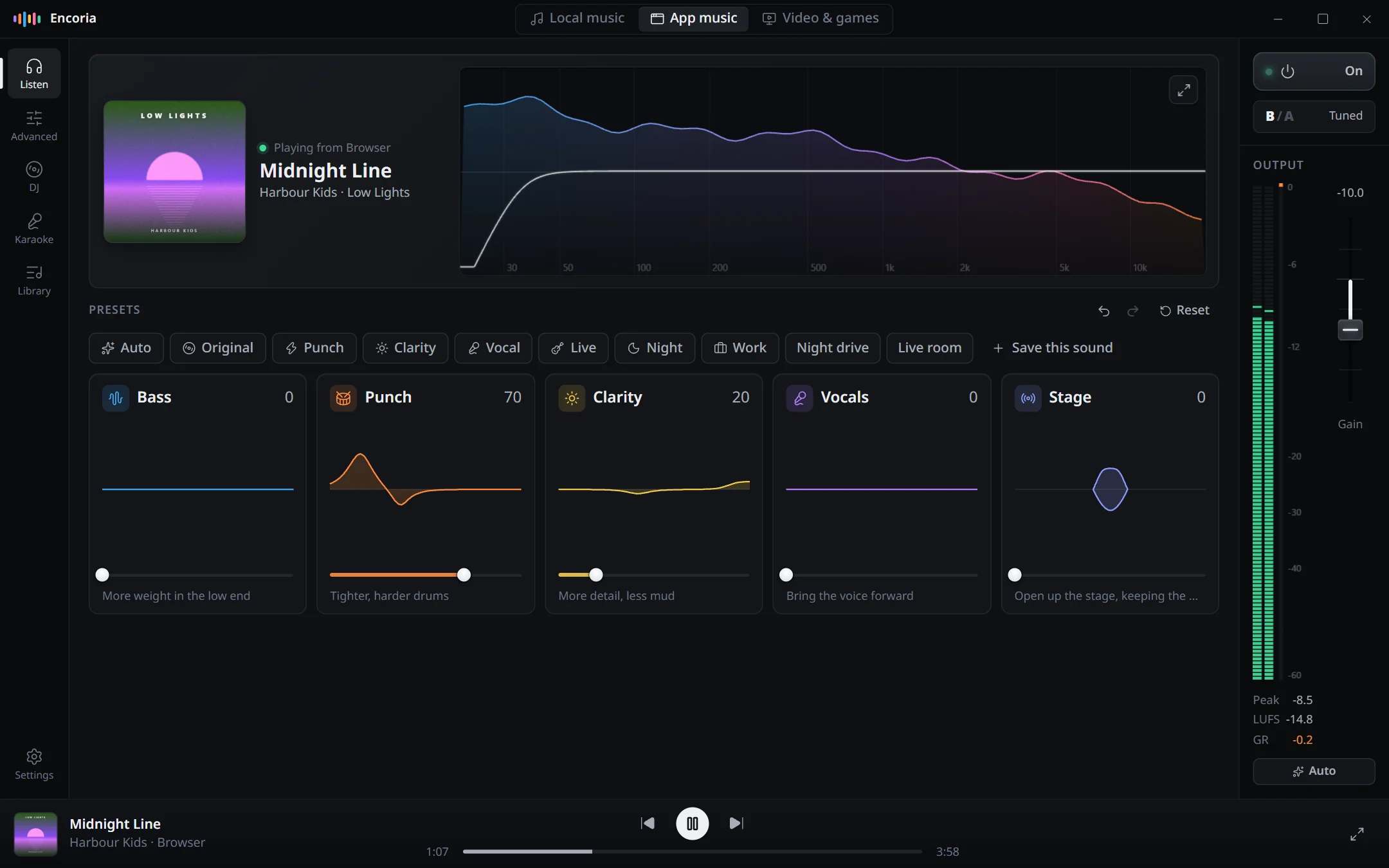
Auto picks a preset for each song, or choose Punch, Clarity, Vocals, Live or Night yourself, with a live spectrum.
Six instruments, split live from the app you already use.
A browser or a music app. Its sound reaches Encoria through the free VB-Cable.
An NVIDIA graphics card splits a few seconds at a time. Your music never leaves the computer.
Lower the singer, push the drums, move the guitar left, while the song keeps playing.
A few seconds behind the source, so the separation stays clean.
Auto picks a preset for each song, or choose Punch, Clarity, Vocals, Live or Night yourself, with a live spectrum.
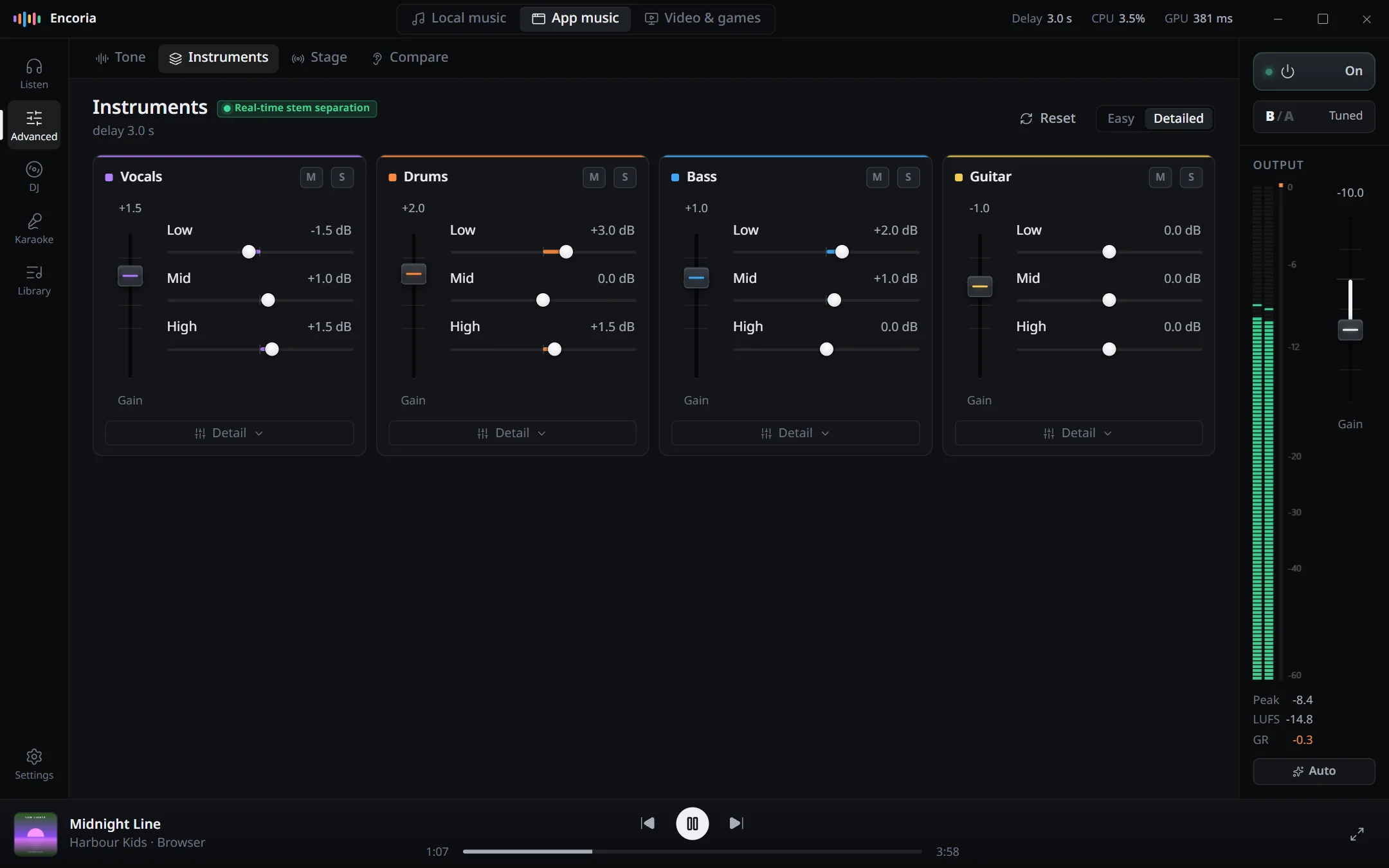
Every piece has its own level, three-band EQ, Mute and Solo. Open it up for a compressor and saturation.
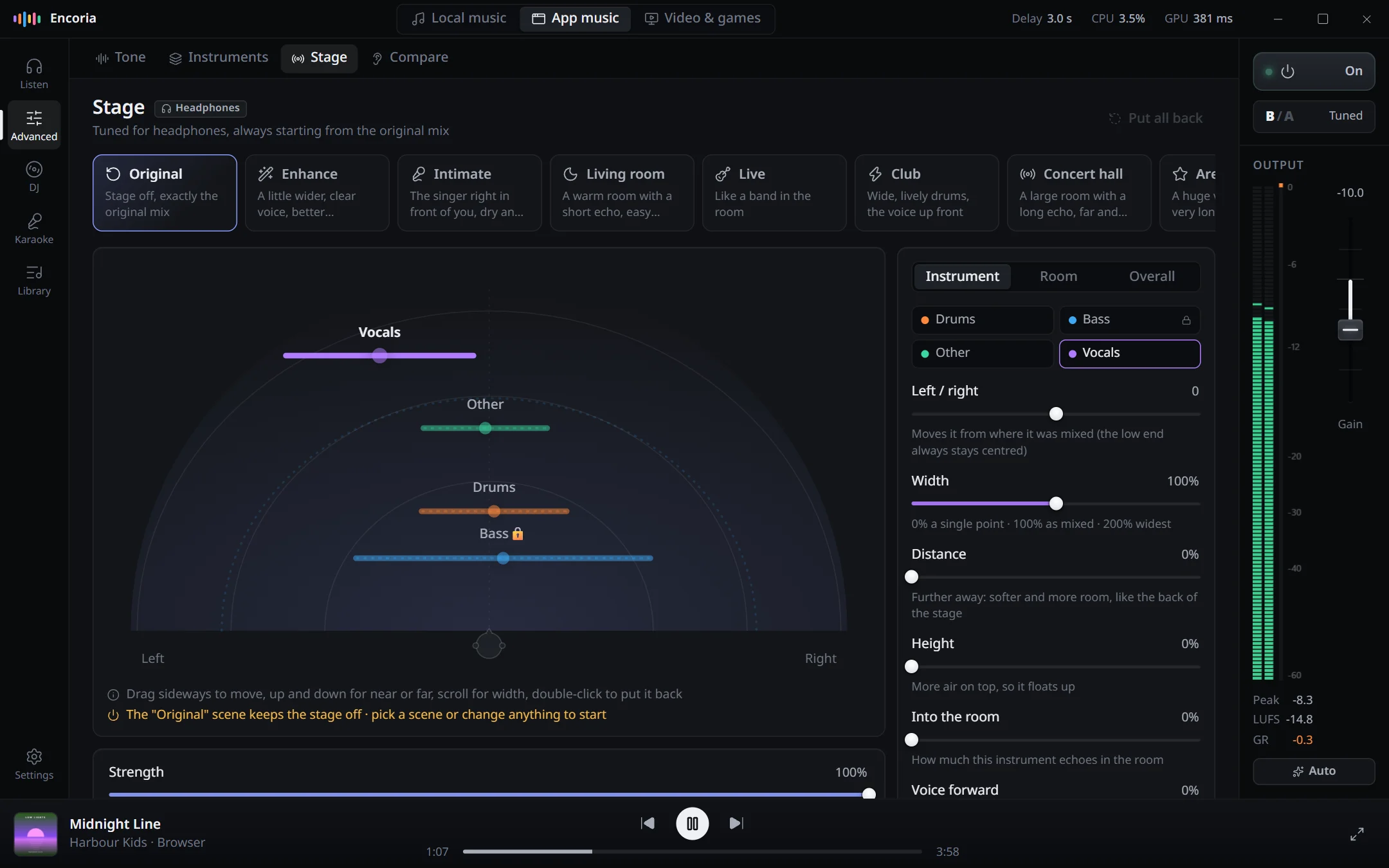
Move instruments left or right, near or far, high or low, set their width, then pick a room from a living room to a hall.
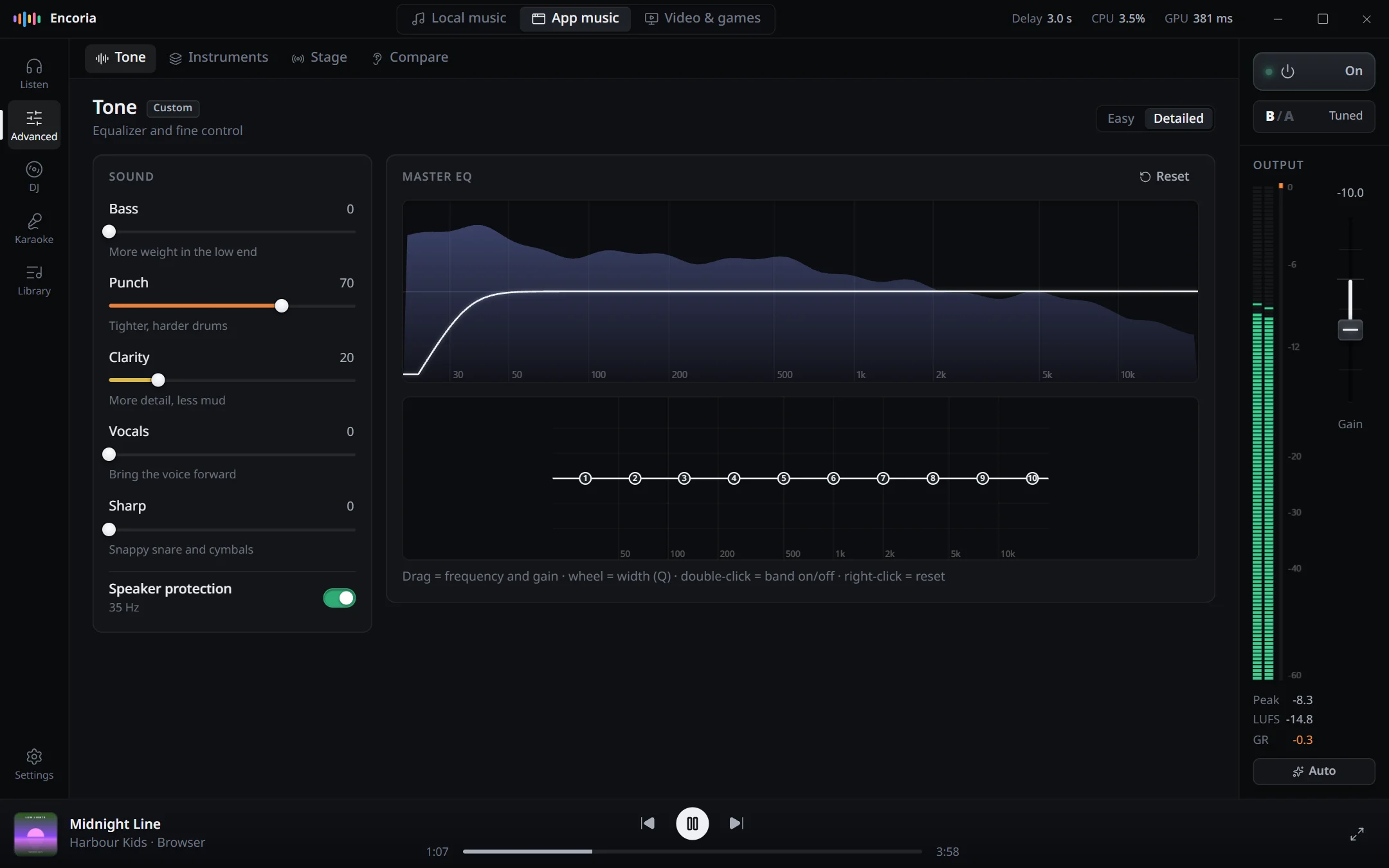
A parametric EQ, headphone and speaker profiles, a limiter and LUFS meters for those who want control.
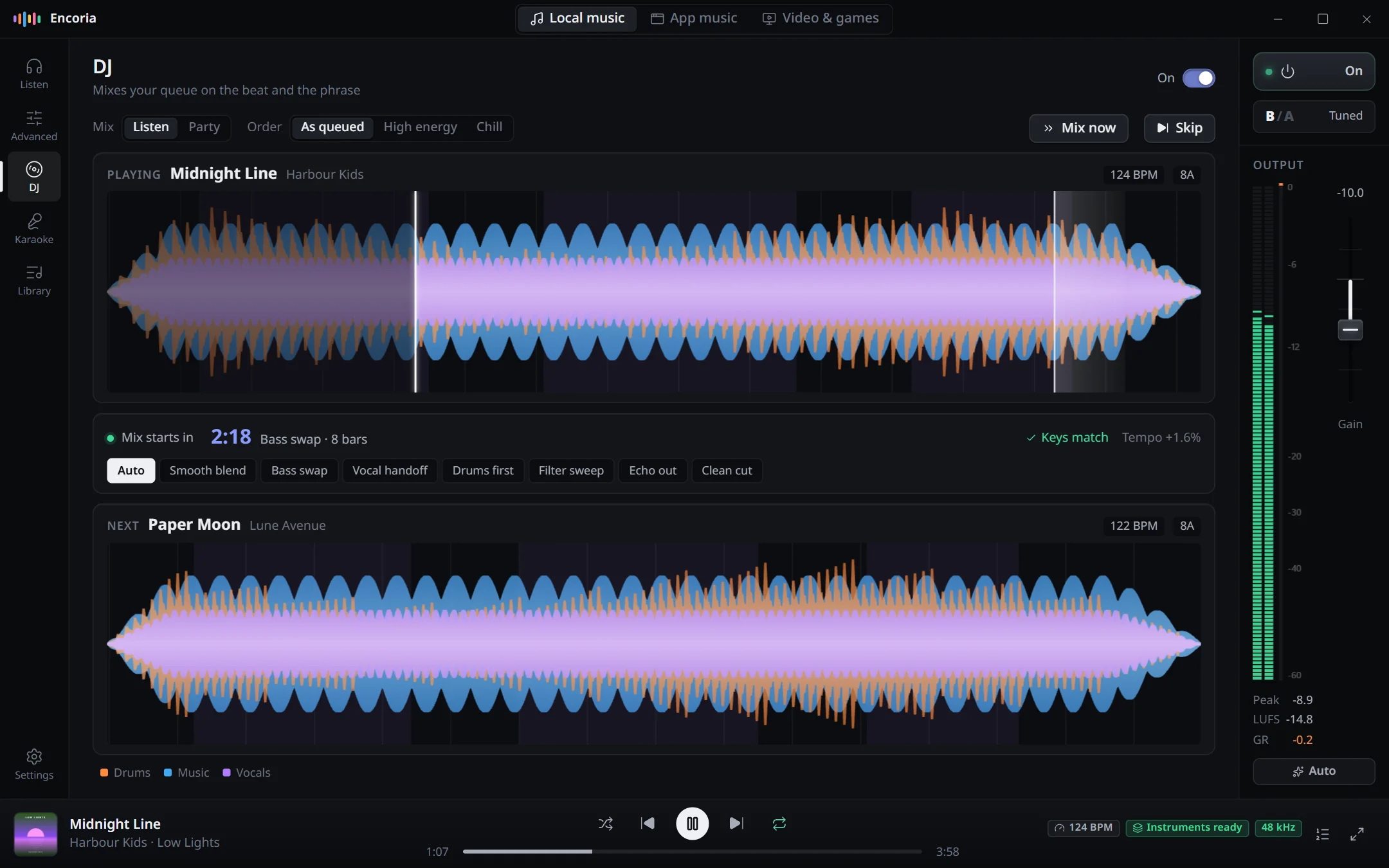
It reads every song's tempo, key and downbeats and mixes on the beat. Songs that don't fit get a smooth blend.
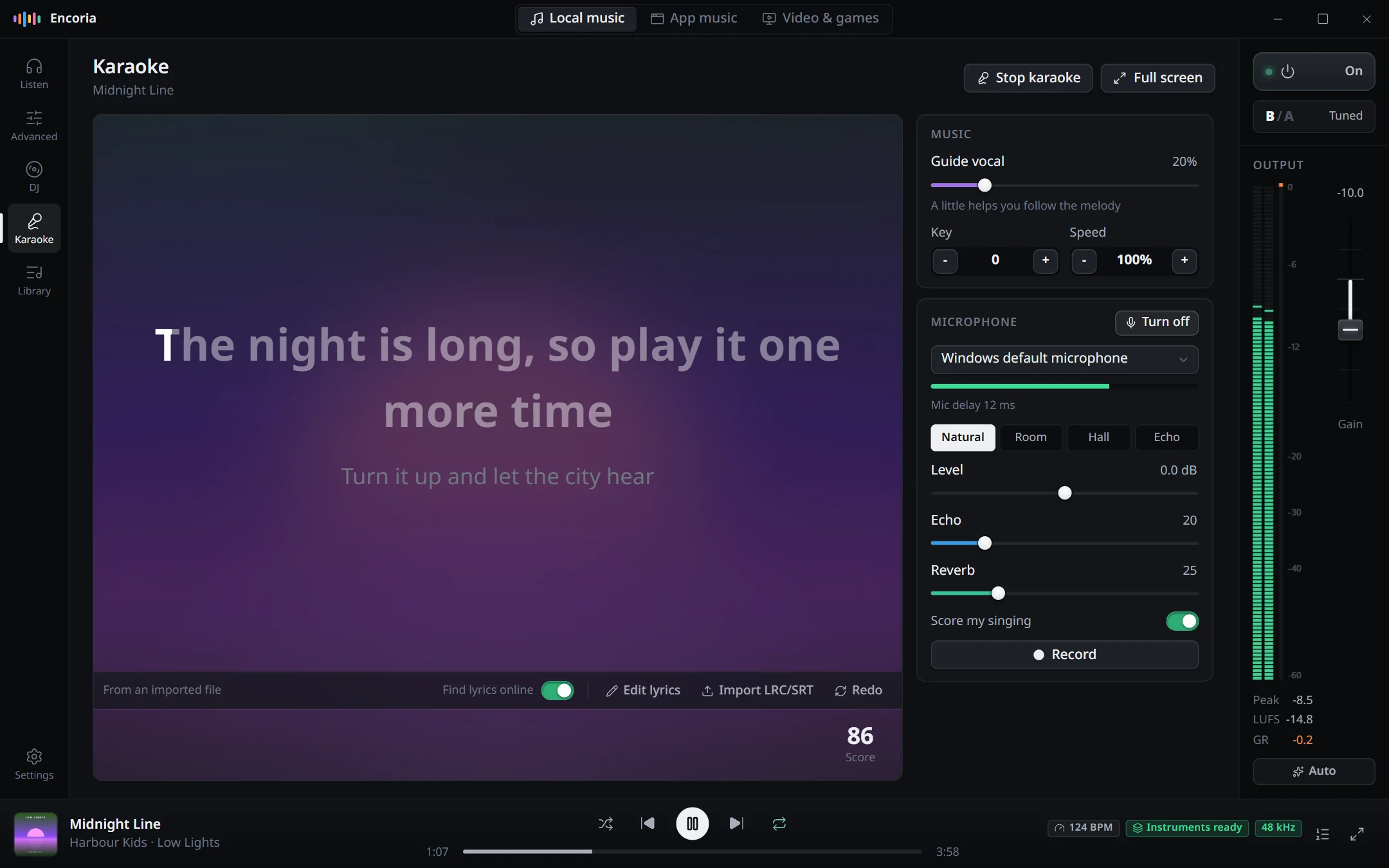
Lower the singer to silence, watch lyrics fill word by word, change the key and sing through your mic with echo and a score.
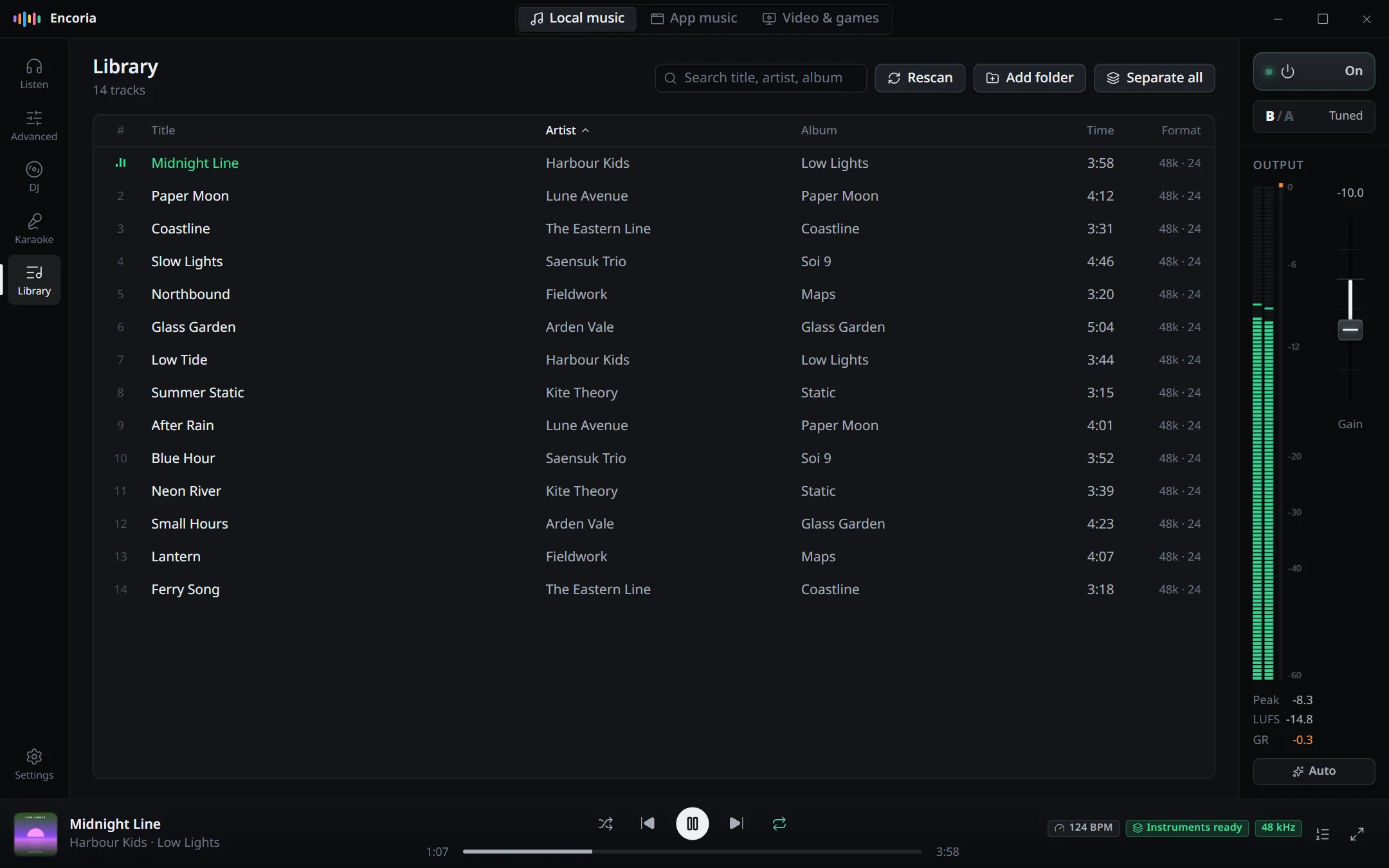
Play high-quality files from your PC. Search, sort and drag to reorder the queue; the DJ prepares each change.
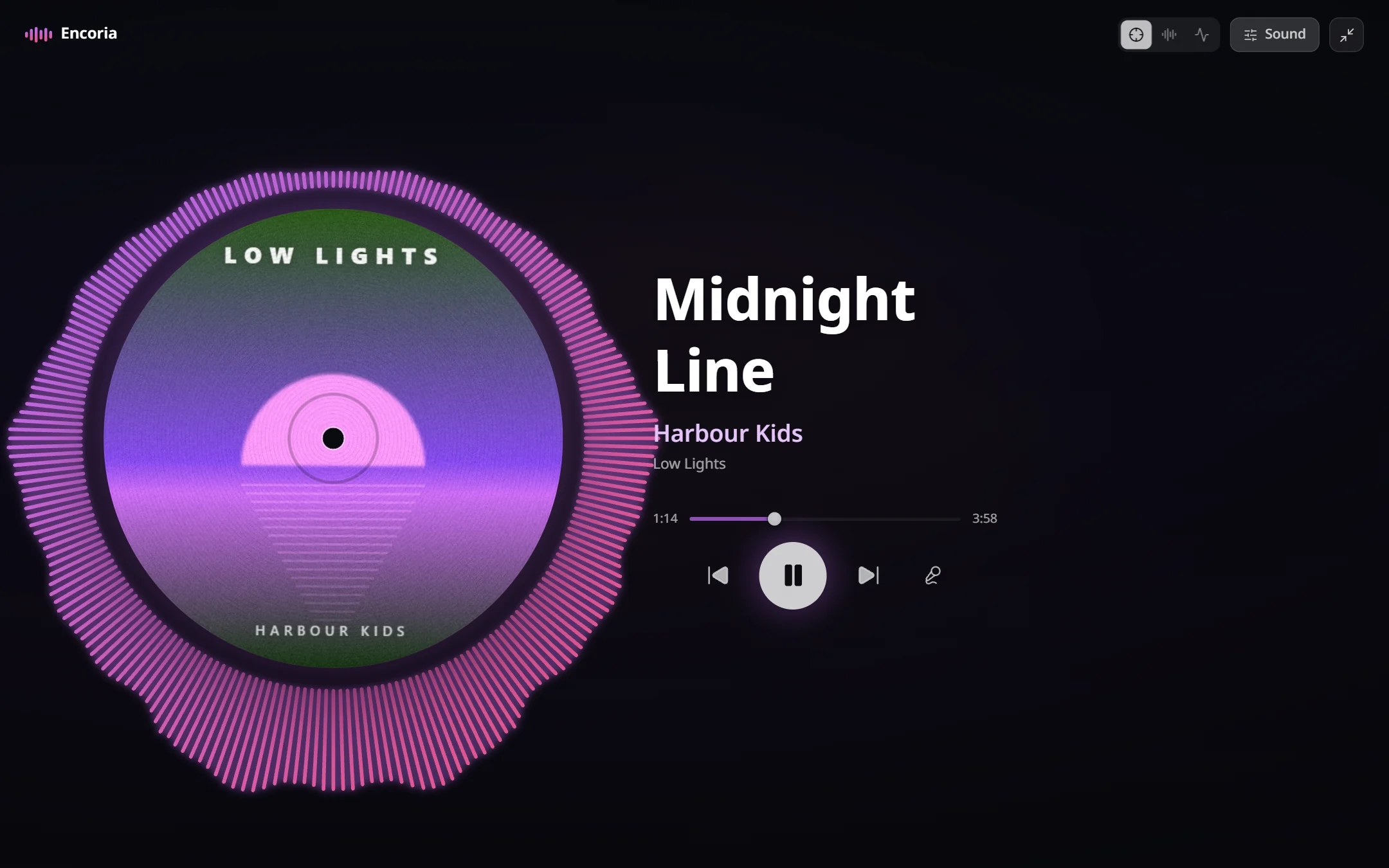
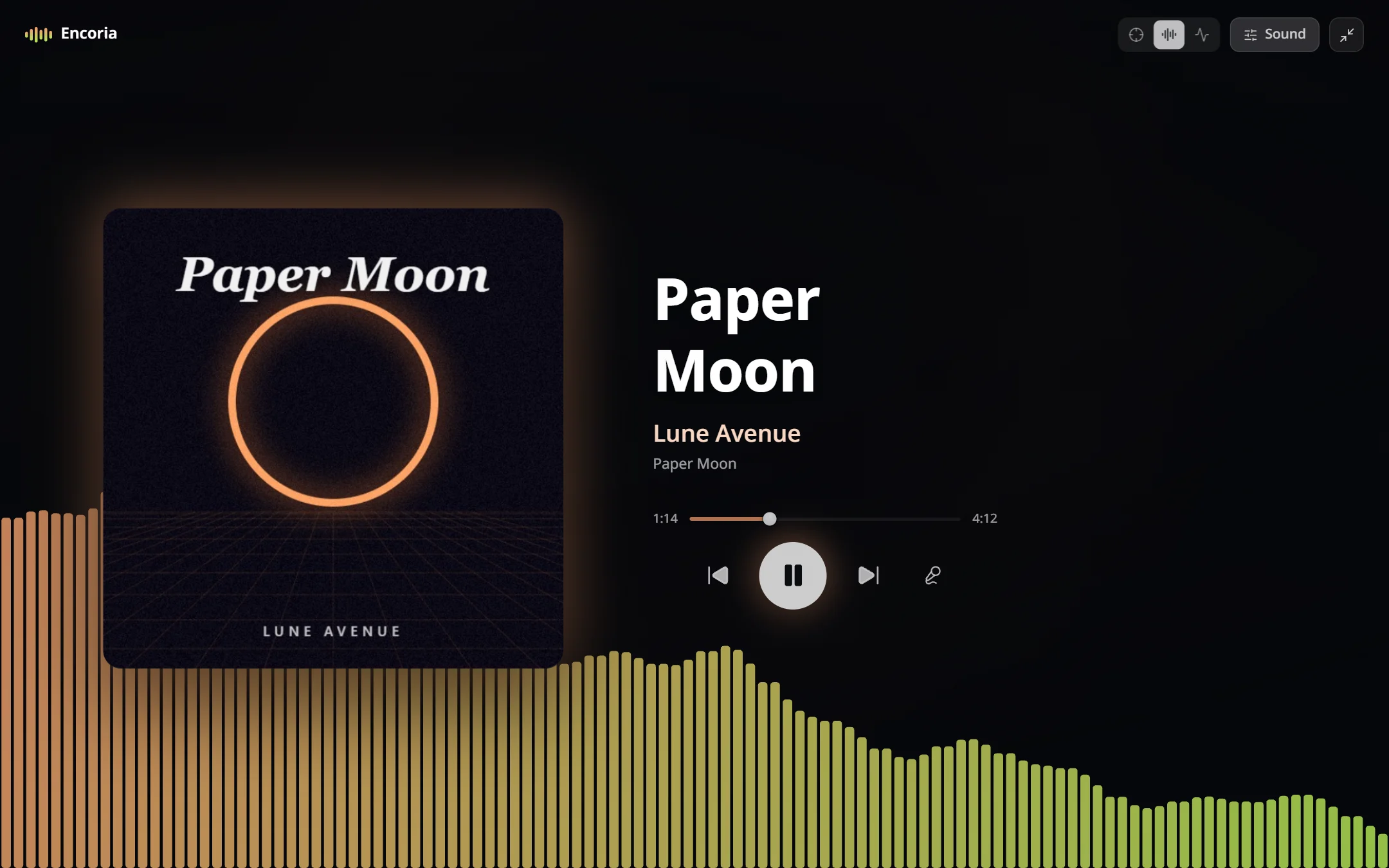
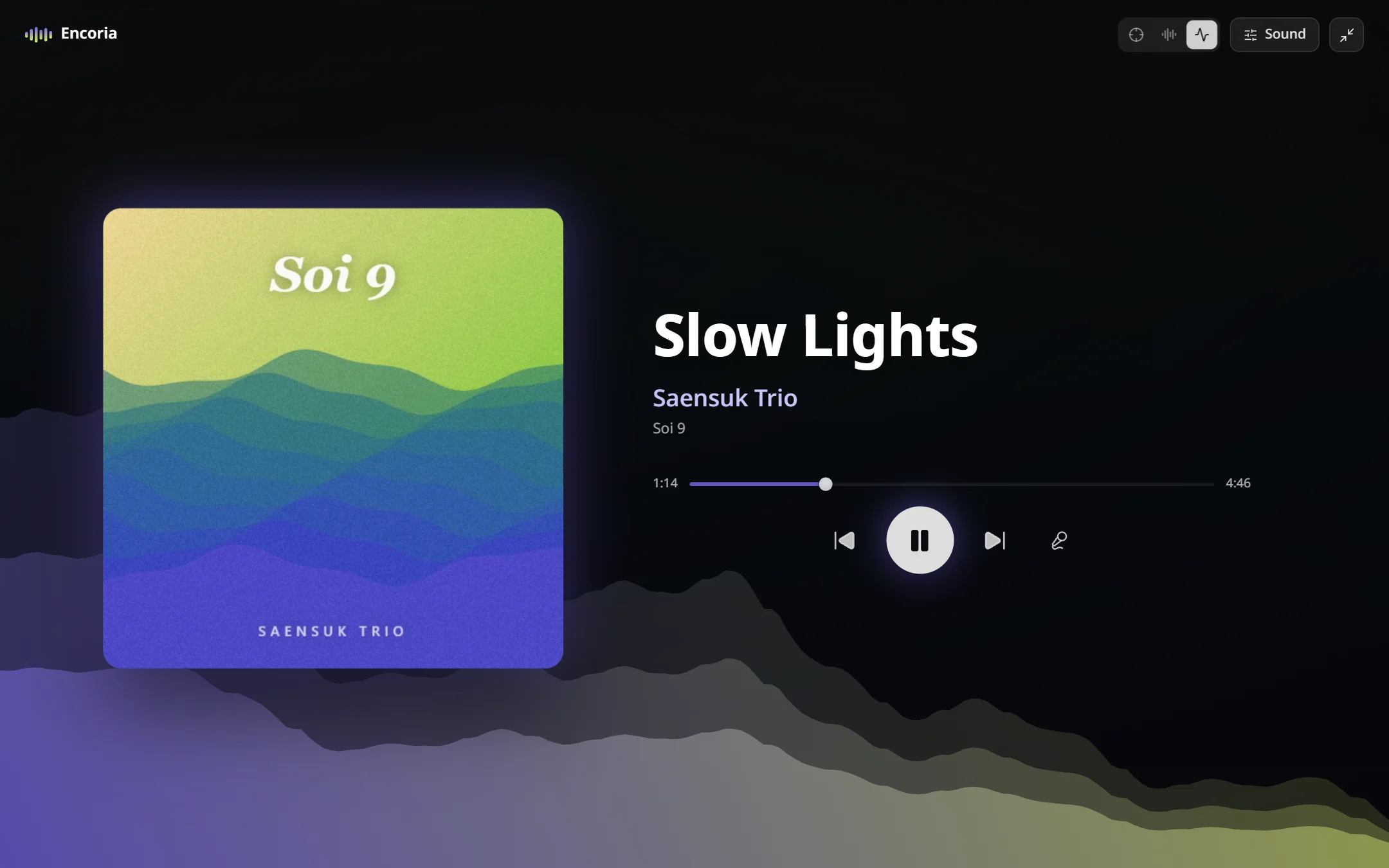
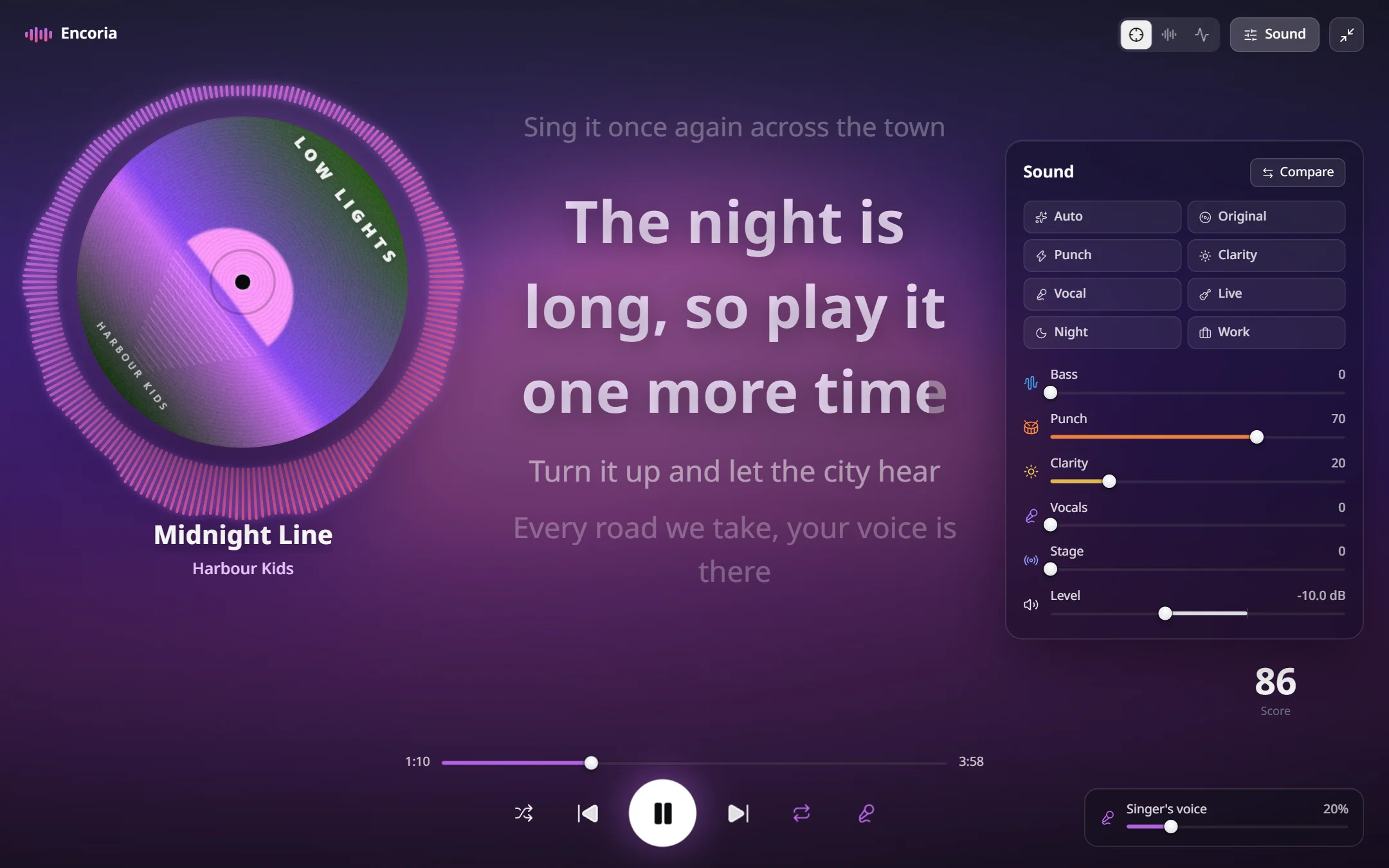
Songs in the demo are made up.
The sample is made live in your browser. Headphones work best.
Your own files at full quality. Separated once, kept for next time.
The music app or browser you already use, separated live as it plays.
Tuning with the lowest delay, so picture and sound stay together.
Hear the songs you know like the first time.
Web checkout isn't ready yet. You can buy on LINE.
Buy on LINE7-day trial in the app, no card
Separating instruments while app music plays needs an NVIDIA card. Without one, songs on your PC are separated in the background, and every other sound feature works.
With most apps on Windows, through the free VB-Cable. The assistant in the app sets it up step by step.
No. All sound is processed on your computer.
Install the app and press Start trial in Settings, License. 7 days, once per computer, no card.
Two. Move it yourself on the licence page.
Yes, within 7 days of buying if the app has a problem we cannot fix. Try the free 7-day trial before you buy.