Download Encoria
Free to install and use. No account.
Windows 10 and 11 (64-bit) · installer from GitHub Releases
All versions and release notes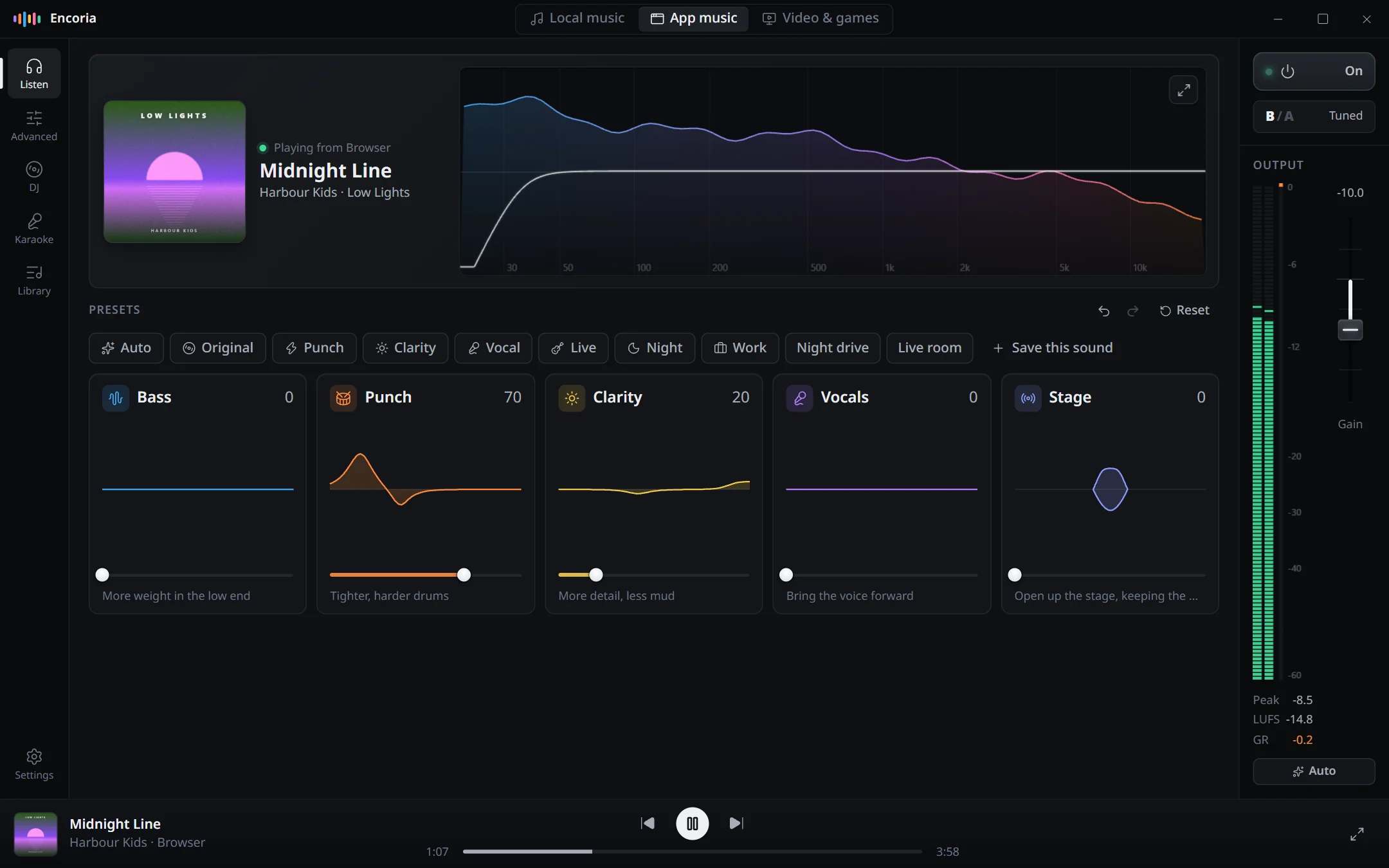
Install
- 1
Open the downloaded file and follow the steps on screen.
- 2
Open Encoria. The assistant asks where your music comes from and sets things up step by step.
- 3
If you only play music files, choose "Local music" and add your music folder.
If Windows shows a SmartScreen window, check that the publisher is Encoria, then choose "More info" › "Run anyway".
System requirements
On a PC with an NVIDIA card, the app offers a "GPU pack" (about 1 GB) for faster separation. It downloads only after you confirm.
Install VB-Cable (for app music, video and games)
VB-Cable is a free virtual audio cable by VB-Audio. Your music app plays into it and Encoria tunes the sound before it reaches your speakers. Not needed if you only play music files.
- 1
Go to VB-Audio's website and download the VB-CABLE Driver (a zip file).
- 2
Extract the zip file to a folder.
- 3
Right-click VBCABLE_Setup_x64.exe, choose "Run as administrator", then press Install Driver.
- 4
Restart your PC.
- 5
Open Encoria. The assistant shows how to send your music app's sound to CABLE Input.
VB-Cable is software by VB-Audio (donationware). Encoria does not develop or distribute it.